👋 Hello today from Idaho! 🥔 I’ve got a lot of exploring im planning this weekend, and I’m going to see Toy Story 5 tomorrow!
Now, let’s talk Trello!
💡 Inspiration and ideas
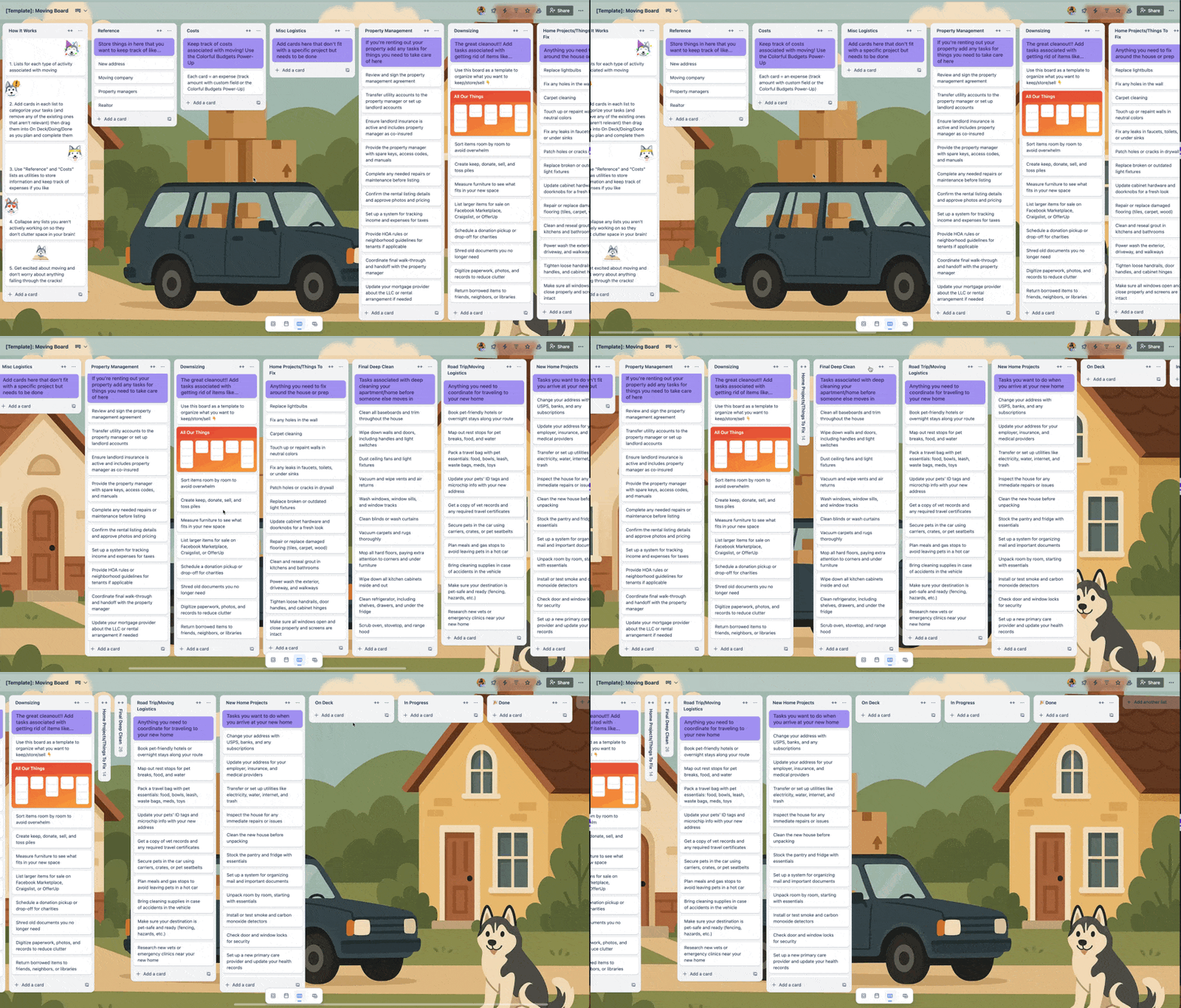
I featured this a long time ago but I know we’ve got a lot of new subscribers and it’s moving season for a lot of folks so wanted to share my Moving Board Template!
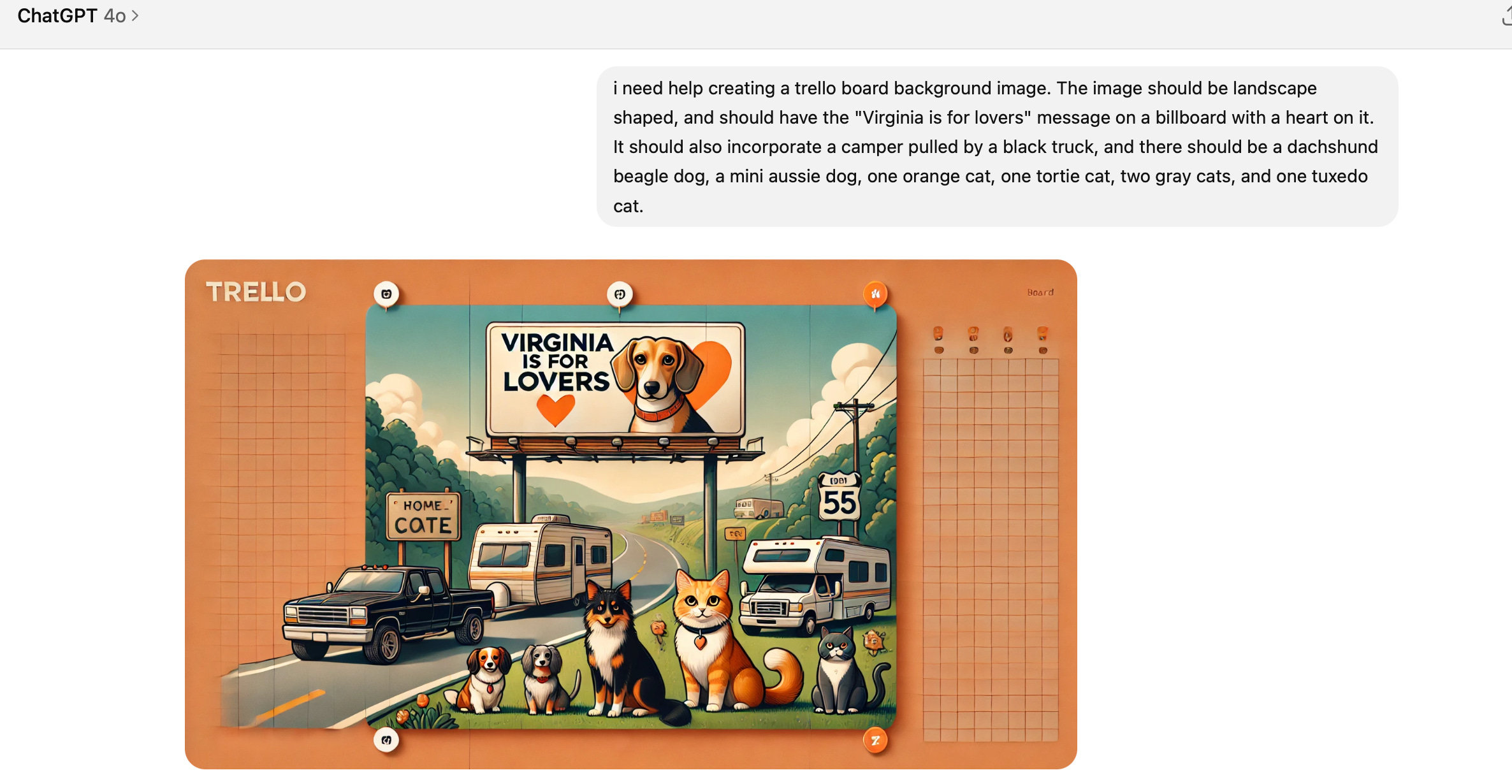
Custom board backgrounds, brought to me by ChatGPT 😂
Although I use Claude for just about everything ChatGPT still does a better job of creating images. I like to describe my Trello board and ask it to create a background for me!
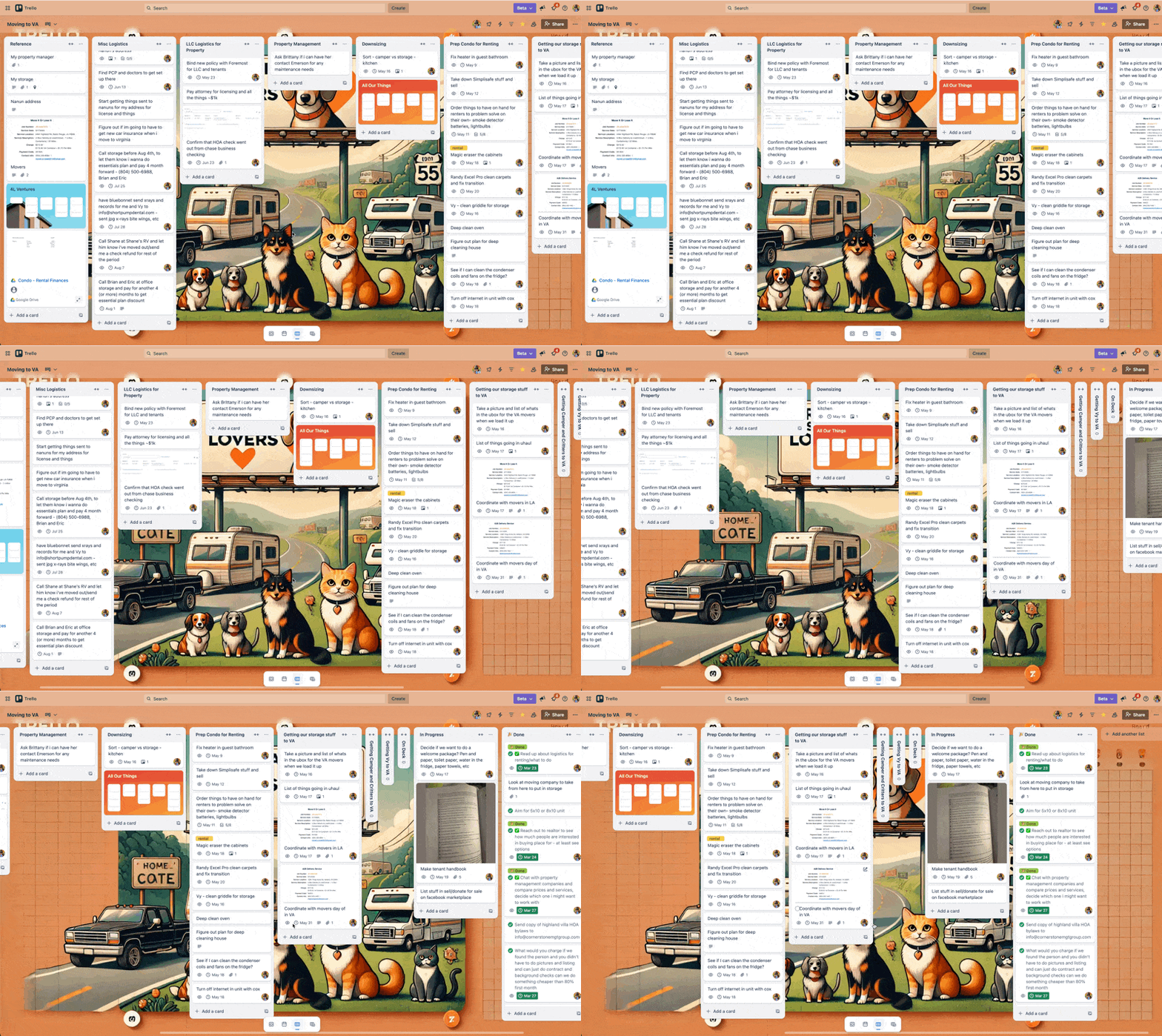
Here’s what the board looks like:
Each list is a type of project or activity associated with moving. I think the worst part of moving is that it’s not one big project… it’s like a hundred projects. I’m rending out my condo, so that involves some house projects and prepping the condo, making an LLC, getting rid of SO MANY THINGS, etc. Not to mention figuring out a campground to be at, moving our addresses over, and figuring out how to orchestrate everything being where it needs to be when it needs to be there since we’re moving 17 hours away!
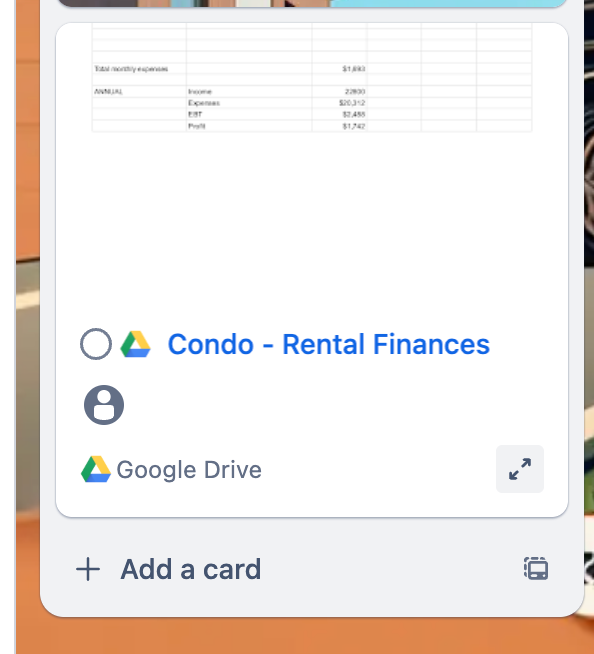
Embedded Google sheet with expenses for condo rentals, this was useful in helping me determine if I should rent or sell, and i was able to plug in numbers to my Google Sheet without ever leaving my Trello board. (But I realized I could also use Colorful Budgets Power-Up for tracking expenses if I wanted to do that.)
While I primarily am organizing myself in this board, there are some other boards for ancillary activities that I didn’t want to clutter in here. I’ll explain more about this “All Our Things” board below.
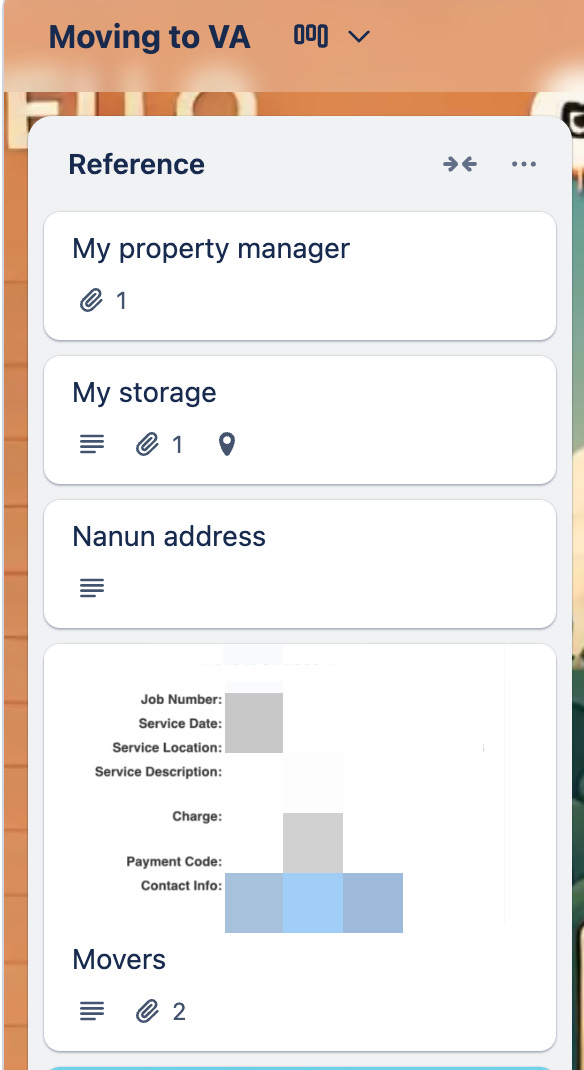
The first list is a reference list because how much time do we all spend searching for the new address, our storage, our movers, and everything else!?
I’ve also been really loving collapsed lists for when sections aren’t relevant to help me feel less overwhelmed with all that’s on my plate. One thing at a time. 😮💨
So this is a peek into how it looks and works and my REAL boards, but I wanted to make something that you all could actually copy and use, so I re-created the planning board with custom tasks in each list so you can copy the board and it’s a true template rather than just a series of lists with titles and you still have to generate the cards.
This took me a bit of time to do and is one of my templates that I’m most proud of you, so if you’d like a copy of it, it’s available for my premium subscribers!
Because I really want everyone to get to try it, I’m offering a week free trial for anyone who wants to join and test it out. So yes I’m offering it for premium subs, but if you’re not one, you can be one for free for a week. Once you sign up, you can head to this post and get the template!
🛎️ Newbie tips
Term
Views: different ways to organize your cards in Trello. The standard version is a Board with Lists. But you can choose from other options like Calendar, Timeline, Table, and Map!
Amazing Fields Build custom workflows with extra data for cards with formulas, formatting, styling, custom fields, and everything else you could imagine needing to make Trello do your bidding.
The best all in one power-up for planning, tracking and managing work across boards. Use extended board, reports, master boards, Gantt views and card mirroring across boards.
Unito With Unito you can easily connect Trello to your other business critical apps with live bi-directional sync. In just a few minutes you can create your first flow, no coding or technical resources needed. Try it free today.
Sendboard - Email for Trello Organize & automate your Email in Trello. Connect any Trello board with Gmail, Outlook, Yahoo & more.
Do more and enhance your Trello experience with the Handy Power-Ups Pack! Discover a variety of Power-Ups designed to boost your and your team’s productivity. Try them out with a free trial and experience the difference today!
Sync cards across boards and workspaces! Any edits to one card will be automatically mirrored to any other cards.
Log Work – Time Tracking & Reporting for Trello Easily log time on cards and build custom reports across multiple boards by users, boards, or any custom field. Powerful, flexible, and built to fit your workflow. Unlock more advanced functionality when used together with Any Fields Power-Up.
📚 Looking for a 1-stop Trello resource? Check out my book, Supercharging Productivity with Trello. You’ll find everything you need, whether you’re getting started or taking Trello to the next level. Bonus - reply back to this email with your receipt, and I’ll send you some bonus video content going through each part of the book.